Reuse what worked
Plan and schedule together
Keep a campaign running across your connected accounts from one place, and reuse a campaign that did well instead of rebuilding it.
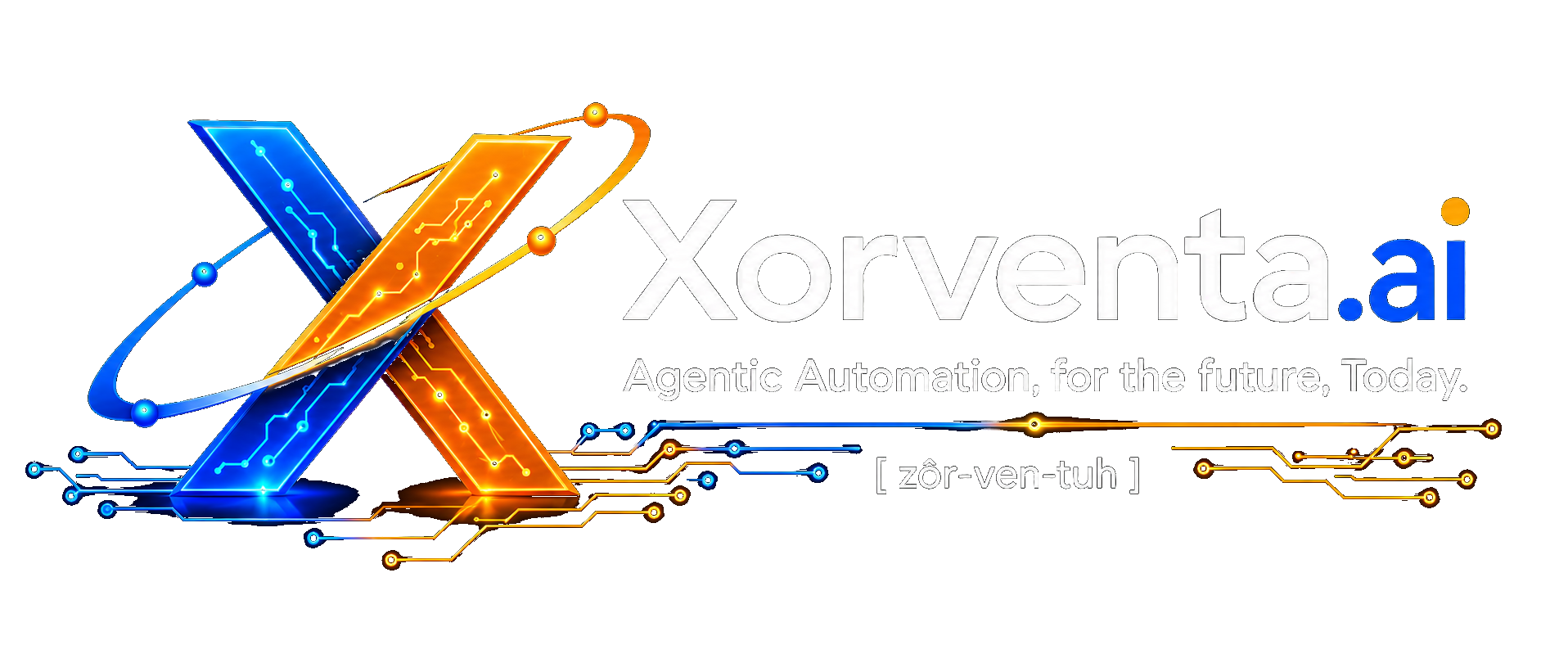
Describe your campaign once. Review posts prepared for your connected networks, schedule them together and get help with routine replies.
Xora is your AI assistant in your account area: ask her to guide you, take you to the right control, or publish a prepared post. Your approved business information guides her answers and your permissions control her actions — she asks before publishing or sending.
Social prepares posts and replies from your Business Facts — the business information you review and approve once, which Xorventa uses across its AI products, for each network you connect, sized to that network's limits.
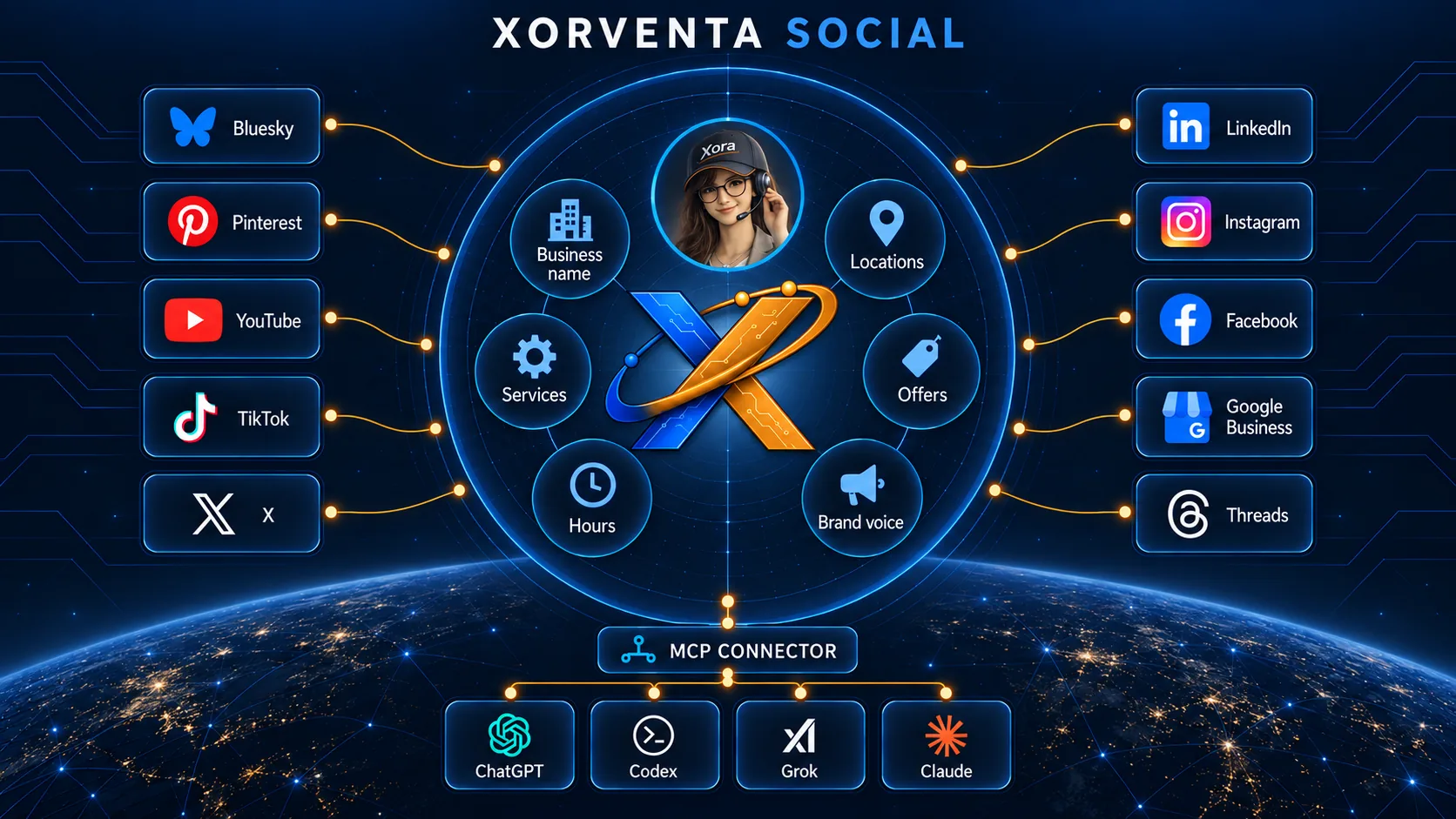
“Create a campaign to all connections, one a day at noon, starting tomorrow.”
A version written for each connected network, sized to its limits — length, hashtags, mentions, images and links.
Review, edit and schedule them together. A post that cannot fit a network is flagged with the reason, not silently cut.
What each network supports is shown in the table below.
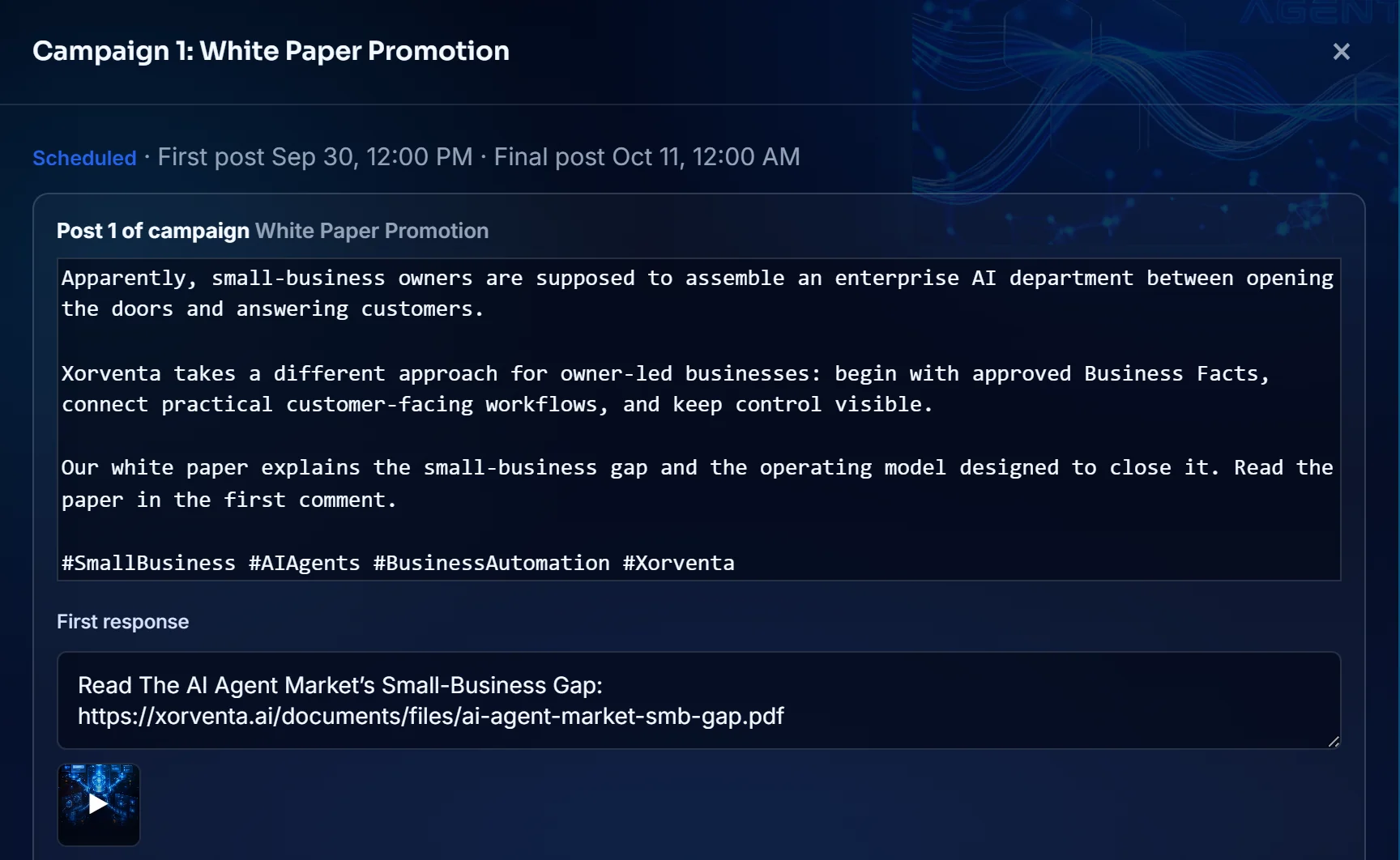
Keep a campaign running across your connected accounts from one place, and reuse a campaign that did well instead of rebuilding it.
Get help answering inbound conversation where the network supports it, grounded in the business information you approve.
Xora is an AI assistant for you, the signed-in owner — not for your visitors. Your approved business information guides her answers, your permissions control her actions, and she asks before anything goes out. Purchases and billing changes stay with you.
“Publish my prepared post.”
Names the post and asks you to confirm. The permission must be switched on first; it is off until you turn it on.
Published — or not, with the actual result reported back to you.
Illustrative example.
Set replies to run automatically, to wait as drafts for your approval, or off — separately for each network. You connect your own accounts and can disconnect at any time. Xorventa never manufactures fake engagement or promises reach, and when a question is not covered by your approved business information the reply agent declines instead of guessing.
See which networks support posts, replies and direct messages.
| Network | Post | Reply | DMs | Availability |
|---|---|---|---|---|
| ✓ | ✓ | ✓ | Live now | |
| ✓ | ✓ | — | Live now | |
| ✓ | ✓ | ✓ | Live now | |
| X (Twitter) | ✓ | — | — | Posting only |
| Bluesky | ✓ | ✓ | ✓ | Connect now |
| Google Business | ✓ | ✓ | — | Connect now — local posts and review replies |
| ✓ | — | — | Posting only | |
| TikTok | ✓ | — | — | Posting only |
 YouTube YouTube | ✓ | ✓ | — | Video publishing and comment replies — live |
| Threads | ✓ | ✓ | — | Connect now — posts and public replies |
✓ supported · — not available. X replies and direct messages are not offered by Xorventa. Google Business: local posts are text-only (images are not carried to this network). YouTube: video publishing and comment replies are live, and you choose each video’s visibility. Threads does not offer direct messages, so a Threads reply is always public; Threads is also its own connection — connecting Instagram or Facebook does not connect it.
Two plans, monthly or annual. A Social action is a post, a reply or a message we handle for you — a post sent to five networks counts as five. Both plans include every network and every connection, so the two allowances are the only difference, and you can move up at any time. Going past your included actions does not stop your posts and costs nothing extra; we tell you in your workspace as you approach it. Post-media storage is a real ceiling: 10 GB on Basic and 50 GB on Plus, with more available by arrangement. No setup fee, cancel anytime, and either plan starts with a 30-day free trial — everything except external X (Twitter) publishing, which uses a prepaid $10 X Publishing Pack (about 50 posts, or about 25 if every post carries a first response, since on X that is a second post) that never expires. Xorventa Social is also included in Xorventa Persona, with Assist and SEO.
or $1,089/year
10 GB of post media included
or $2,189/year
50 GB of post media included
Connect your accounts, confirm your business information and reply settings, then review your first campaign. You can disconnect any account at any time.
Why SMB AI quality depends less on the model than on whether it answers from facts the business has reviewed and approved.
For small businesses, AI quality depends on a setup an owner can actually finish and a business can actually trust. What that requires.
Start a 30-day free trial from your dashboard, connect your accounts and review your first campaign.