
Getting Started · Setup
Your business basics
Covers: Name, business name, website, platform, tagline, about, hours, time zone, categories, services, areas, phone, email, address, logo, banner.

Short videos that walk through each product, from setup to everyday use. Each one starts from your dashboard and shows every step.
Covers: Name, business name, website, platform, tagline, about, hours, time zone, categories, services, areas, phone, email, address, logo, banner.
Covers: Add documents, paste text, read your main pages or every page, What changed, What Xora knows.
Covers: Name, fallback contact, opening line, brand voice, extra instructions, words never to use, required disclosures.
Covers: Reply language, spoken voice, what must ask you first, memory, learning your writing, adding approved answers.
Covers: Plan, card with number blurred, next bill, cancel a product.
Covers: Password, sign-in phone, email preferences, connected AI assistants, sign out everywhere, delete account.
Covers: Open her, type or talk, she answers and takes you to the page.
Covers: The red bell, the envelope count, and where each one leads.
Covers: Add Assist, choose a plan, required questions, start the trial, no card.
Covers: Window label; floating bubble, inline panel or voice-only avatar; text or text and voice; Basic, Plus or Enterprise; monthly or annual.
Covers: Voice and text button labels, avatar, logo, chat panel background image.
Covers: Sample colors from your site, color box or code, all five colors, live preview.
Covers: Sample questions; shared Business Facts or the window's own; add documents, read the site, re-curate, delete, download.
Covers: Which page, copy the code, check my site, with the code readable.
Covers: Your number; always, on a schedule or off; forwarding; what it says answering and handing over.
Covers: Multi-language, voice, answering texts, off, draft or automatic, text back after a missed call.
Covers: Connect Gmail or Microsoft 365, calendar, signature, reply when Xora can't answer.
Covers: Ask Xora, change a color, save, see it on the sample website.
Covers: Open the window on the sample site, tap a question, type, then talk.
Covers: The list of calls and how each ended, calls waiting on you, clear list.
Covers: Text threads, replies drafted for your approval, emails it can't answer.
Covers: Add another chat window, cancel one.
Covers: Add Instruct, then what differs from an Assist window. Same steps as A1 to A6, not repeated.
Covers: Open it, follow a lesson, ask a question.
Covers: Start free Link, connect networks, three free, what a fourth costs.
Covers: Add the connector, sign in, allow it, where it shows under Connected AI assistants.
Covers: The real timed post.
Covers: Ask for a later time and check it's scheduled.
Covers: Your website, Search Console, Analytics, Bing, include or ignore a connection.
Covers: Connect Wix, Shopify, Webflow or WordPress, change how updates happen, review changes.
Covers: Run an audit, download the report, the one list ordered by value.
Covers: Questions you couldn't answer, drafts to review and approve.
Covers: Propose a change, see the exact change, approve it.
Covers: Clicks, impressions, position, 30, 60 or 90 days, generate and download a report.
Covers: The next step, what's checked, what's waiting, which products it coordinates.
Covers: Remembered items, yes or no, and that remembering never lets her act alone.
Covers: Calls, texts, emails, social and bookings in one list, waiting on you.
Covers: Decisions waiting, everything done in 30 days, delete.
Covers: The public picture of the business, what your last fact change affected.
Try Xorventa Persona free for 30 days — your Persona trial includes one SEO report, and website changes are prepared rather than published until you subscribe. Or talk to our team about approved AI for your business.


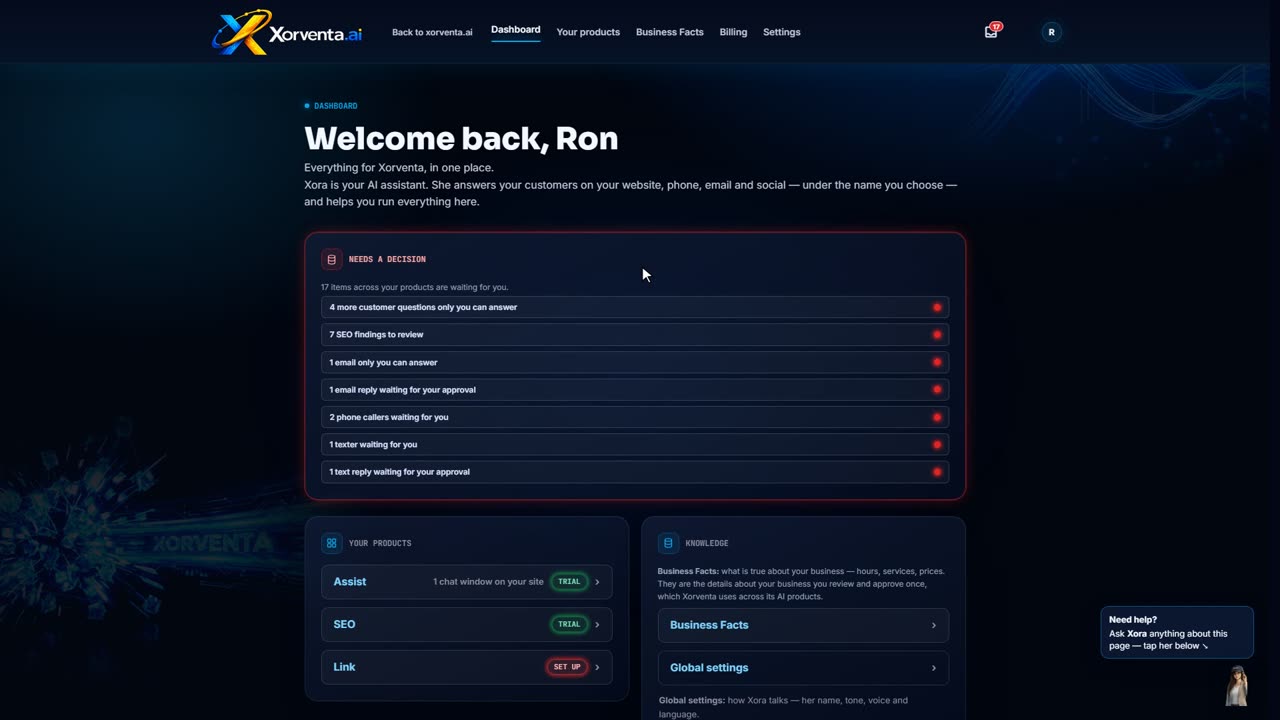
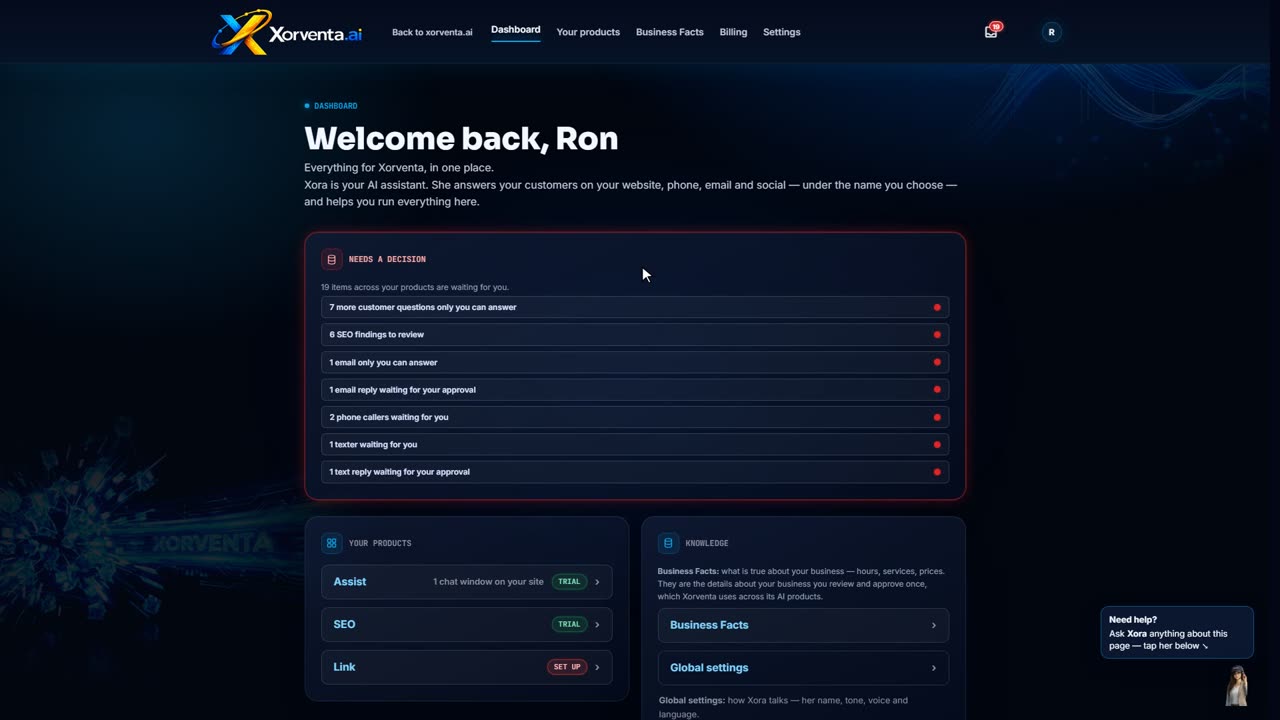
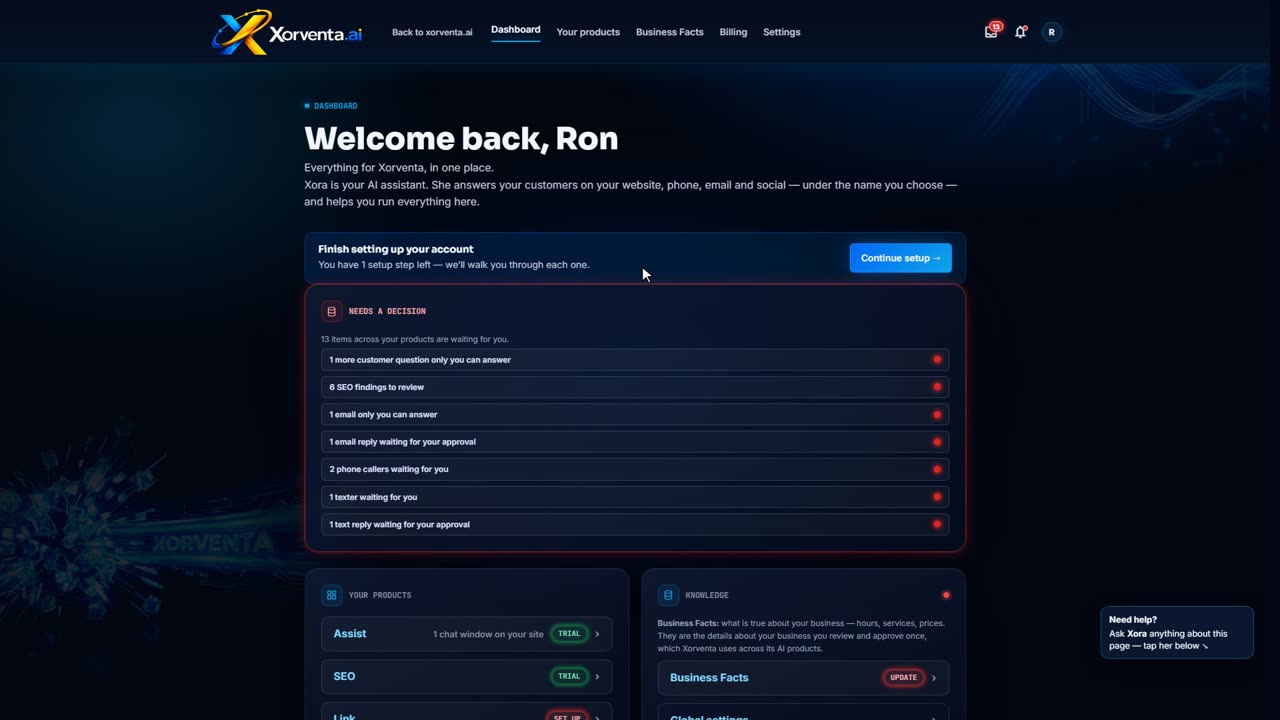


Xorventa Social
Set it up
Connect your networks
Covers: The ten networks, connecting one, reply mode, X post credit packs.
Update your profile everywhere
Covers: Send business details, logo and banner to every network.
Posting schedules and templates
Covers: New schedule, next free slot, save and reuse a template.
Use it
Compose a post
Covers: Text, networks, text per network, photo or video, first response, link, schedule, preview.
Create an automatic campaign
Covers: Brief, networks, how many posts, use what did better, generate, review.
Build a manual campaign
Covers: Name, default networks, blank posts, add a post, approve all.
Review and schedule
Covers: Edit, send-at time, post now, approve all, reuse a campaign.
The calendar
Covers: Month, week and list, filters, move a post, what red means.
Published posts and performance
Covers: Where each post went, engagement, delete from a network, top posts, best day and hour.
Comments and messages
Covers: Approvals, the feed, check now, reply.
Google reviews
Covers: Filter by stars, reply, review link, ask for reviews, off, draft or automatic, alerts.